|
Template Editor |
  
|
| Show/Hide Hidden Text |
|
Template Editor |
|
| Show/Hide Hidden Text |
Template editor consists of controls divided into thematic groups and situated on top of the interface,
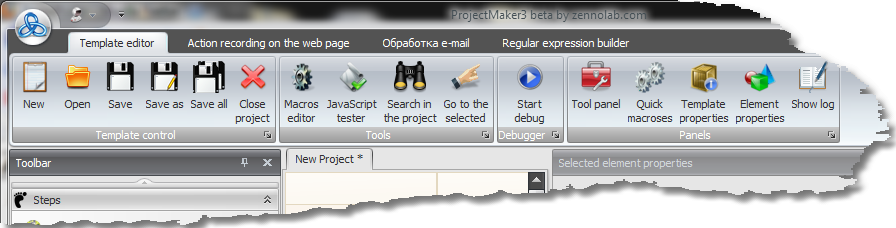
four panels that can display various information on the template and its components
| • | Tool panel (for creating steps and branches) |
| • | Element Properties Panel (for fine-tuning of branches of a step) |
| • | Fast Macros Panel (clipboard with numerated cells for convenient storing of most frequently used macros) |
and utilities to test macros and JavaScript .
Both utilities and panels can be activated (if they are not already displayed) by corresponding controls on top.
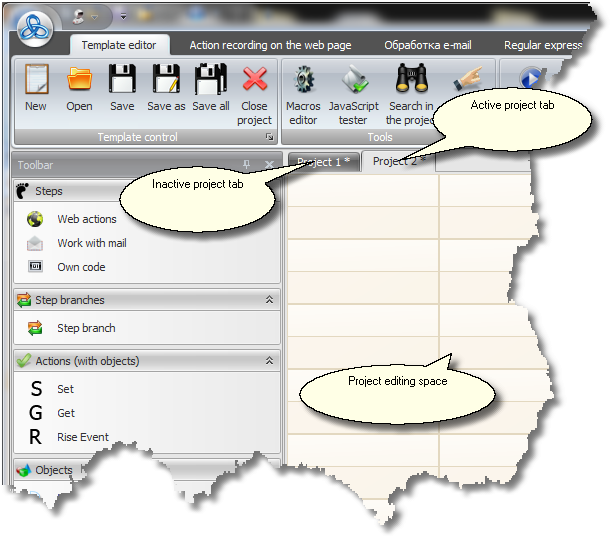
There are also tabs with currently edited projects: