|
Save |
  
|
| Show/Hide Hidden Text |
If we are creating a register then we obviously need to save the data received at registration (in most cases this will be login and password).
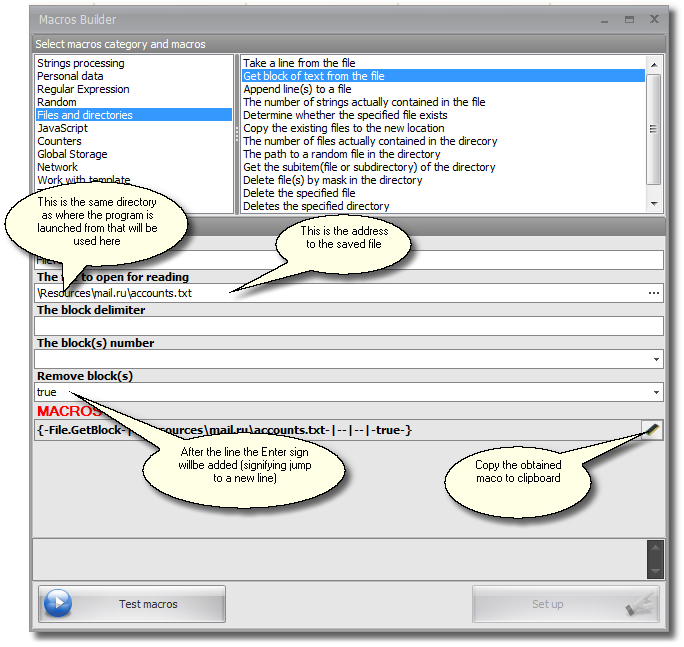
Data saving is done through the macro 'Record line into file'. You can find this option in the Macros Builder under the heading 'Files and Directories'.
Important!
| 1. | If you try to save a line into a file that does not exist it will be created automatically. |
| 2. | If the path to the file starts with a slash (/) then it is assumed that symbols preceding this slash show the path to the folder containing the activated program. In other words, if you write, for example, /results/sample.txt and the path to activated ZennoPoster where this macro is triggered is C:/ZennoPoster3/ZennoPoster.exe then your text will be saved in the following file: C:/ZennoPoster3/results/sample.txt |