|
How to create and configure a filter? |
  
|
|
How to create and configure a filter? |
|
1. Filter creation
1) How to create a global filter
To create a new global filter pass to the "Filters" and press the "New" button:

A new filter emerges on the assembly panel:
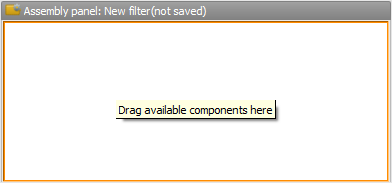
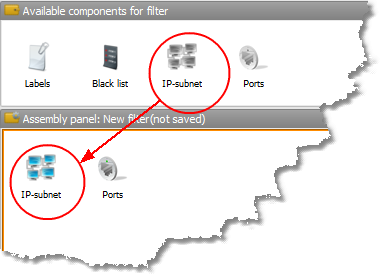
Drag the necessary components to the filter:
Configure these components in the "Component properties" window:

As soon as the components are configured press the "Save" button:

Enter the filter's name:

This filter appears in the filter list:

The saved filter can be modified or deleted later using the appropriate buttons on the top of the "Filters" window.
2)How to create a conditional filter
While creating a filter add also the "Labels" component:

This filter will be conditional and applicable only for the sources with the labels specified:

2. Filter activation
By default a new filter is deactivated. To switch it on mark the checkbox that corresponds to a required filter:
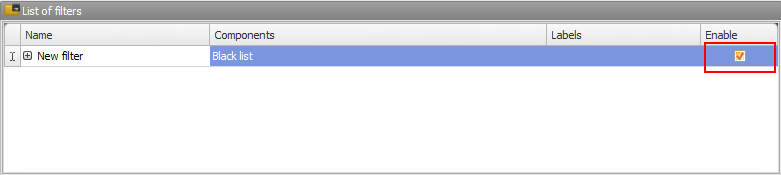
The proxies that don't meet the filter conditions will be calculated and if their number is more than 0, a confirmation request for deactivating this filter will emerge. You can also switch the filter off , in this case it will be preserved in the list but deactivated. After you change the filter activate it once again to re-calculate the number of the proxies that don't meet its requirements.